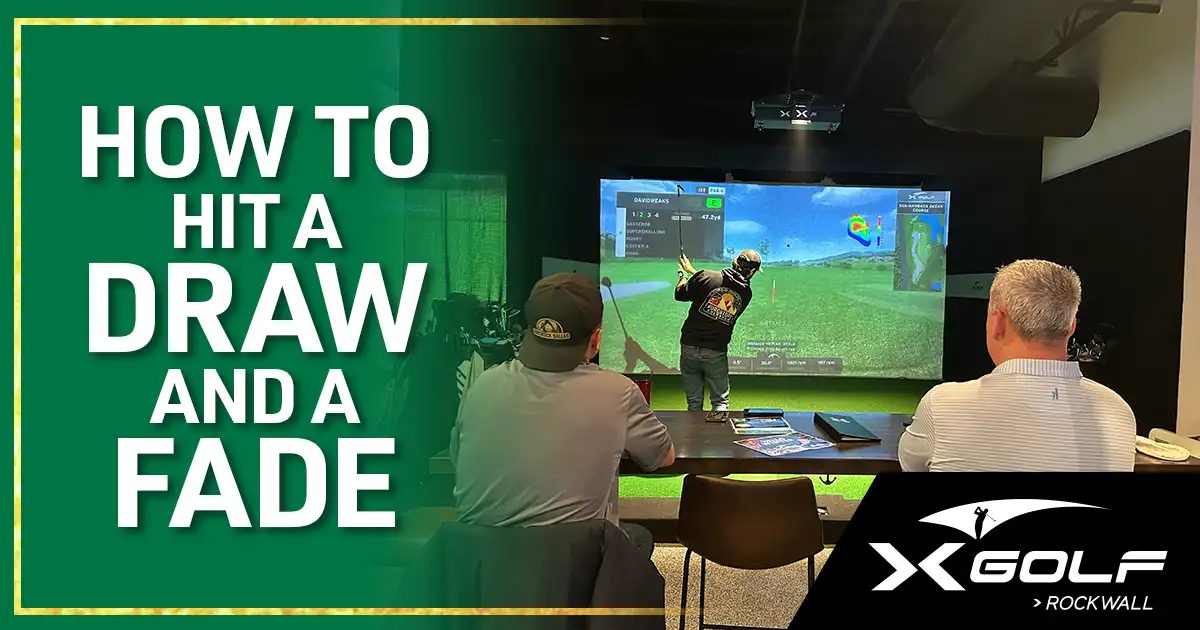
You already know what a draw and fade are, and you’ve probably tried to hit both. The hard part isn’t understanding the concept. It’s repeating the shot when you need it.
That’s where simulator data comes in. At X-Golf Rockwall, the simulator gives you real-time numbers after every swing: club path, sidespin, ball speed, launch angle. Instead of relying on feel alone and hoping for the best, you see exactly what happened and can adjust on the next shot.
Understanding the mechanics through data
A draw or fade comes down to two things: where your club is moving at impact (club path) and where your clubface is pointing relative to that path. The gap between the two is what puts curve on the ball, which the simulator reads as sidespin.
For a right-handed golfer, a draw happens when the club path moves in-to-out with the face closed relative to that path, sending the ball right-to-left. A fade is the opposite: the path moves out-to-in with the face open relative to that path, curving the ball left-to-right.
You won’t see a face angle number on the screen, but you don’t need one. Club path tells you what your swing did, and sidespin tells you what the ball did. Read them together and you know exactly where the gap between the two came from.
The draw: what to look for in your simulator data
Start by closing your stance slightly, aiming your feet, hips, and shoulders right of your target. Move the ball back toward center with your hands set forward, then swing along the line of your feet so the club moves inside-to-out.
After each shot, check your numbers on the simulator readout:
- club path should be in the positive range, around +2 to +4 degrees (positive means in-to-out)
- sidespin should favor the draw side, curving the ball right-to-left
- if your path is positive but the ball still fades, your face is staying open through impact, work on releasing the club sooner
Don’t worry about nailing these numbers on your first swing. Hit five draws in a row and watch whether the numbers start to cluster. Once they stabilize, something clicks. Your brain starts connecting the feel of the swing with the data you’re seeing, and that’s when the draw becomes something you can repeat on demand.
The fade: what to track on the simulator
Open your stance so your feet, hips, and shoulders aim left of the target. Keep the ball in its normal position or slightly forward, then swing along your open foot line so the club moves left-to-right across your body.
On the simulator, you’re looking for the opposite pattern:
- club path in the negative range, around ‑2 to ‑4 degrees (negative means out-to-in)
- sidespin favoring the fade side, curving the ball left-to-right
- if your path is negative but the ball draws instead, your face is closing too early, work on holding it open a beat longer through impact
Same approach as the draw: hit multiple shots and watch the numbers cluster. You’re building a pattern, not chasing one perfect swing.
A lot of golfers find fades easier to control because the mechanics are less extreme and the margin for error is wider. If that’s true for you, there’s nothing wrong with leaning on the fade as your go-to shape. The data will confirm whether it’s actually more consistent for your swing, and that’s worth knowing.
Using sidespin to refine your shot shape
Sidespin is the clearest confirmation of whether your shot actually curved the way you intended. Sidespin toward the right, for a right-handed golfer, means the ball curves right-to-left, your draw. Sidespin toward the left means left-to-right, your fade.
This number is useful when your results don’t match your setup. If you’re trying to hit a draw but the sidespin says the ball curved the other way, your club path and clubface aren’t working together the way you think. The simulator shows you the result immediately, so you can adjust your grip or swing path on the next shot and watch the sidespin respond.
Launch angle and shot shape
Launch angle behaves differently depending on your shot shape. With a draw, you’ll typically see a shallower launch that keeps the ball lower and lets it roll out more after landing. A fade tends to launch a touch higher because the swing path is more upright.
Watch launch angle alongside carry distance. If your fade is launching high but coming up short, backspin is likely overpowering your sidespin, worth paying attention to when you’re trying to tighten a shot shape that isn’t curving as much as you want.
Practice drills: using the simulator to lock in your shot shape
X-Golf simulators let you drill shot shape repeatedly without weather delays or waiting on the group ahead. To build your draw, work through this progression:
- Hit 10 drivers with your draw setup. Ignore the score entirely and just watch your club path and sidespin numbers.
- Adjust your stance or grip if the numbers bounce around too much.
- Once the numbers stabilize, pay attention to how the swing feels at that point.
- Move to a different hole and repeat the same sequence.
After 30 to 50 draws with focused attention, the pattern starts to stick. For fades, run the same progression with an open stance. Once you can hit either shot reliably, try alternating: draw, fade, draw, fade. This trains you to switch shapes on demand.
Bringing it to the course
Before you leave a session, write down your numbers. If your draw consistently clusters around +3 club path with sidespin favoring the draw side, that’s your baseline. When you’re standing on a fairway without a screen in front of you, feel is all you have, but the feel becomes reliable when you’ve built it on top of actual data.
Practice these at X-Golf Rockwall
Draws and fades aren’t just flashy shots. They help you work around obstacles, set up better approach angles, and give you options when the hole doesn’t suit a straight ball. Building consistency takes repetition, and the simulator is one of the best places to get those reps in without weather delays or the pressure of keeping score.
Book a tee time at X-Golf Rockwall and spend a session focused on shot shaping. If you want an instructor watching your swing while you work through the data, our golf lessons pair simulator feedback with hands-on coaching. It’s the fastest way to close the gap between what you’re trying to do and what’s actually happening at impact.
Questions about shot shaping or booking a group session? Call us at (469) 314-1808.